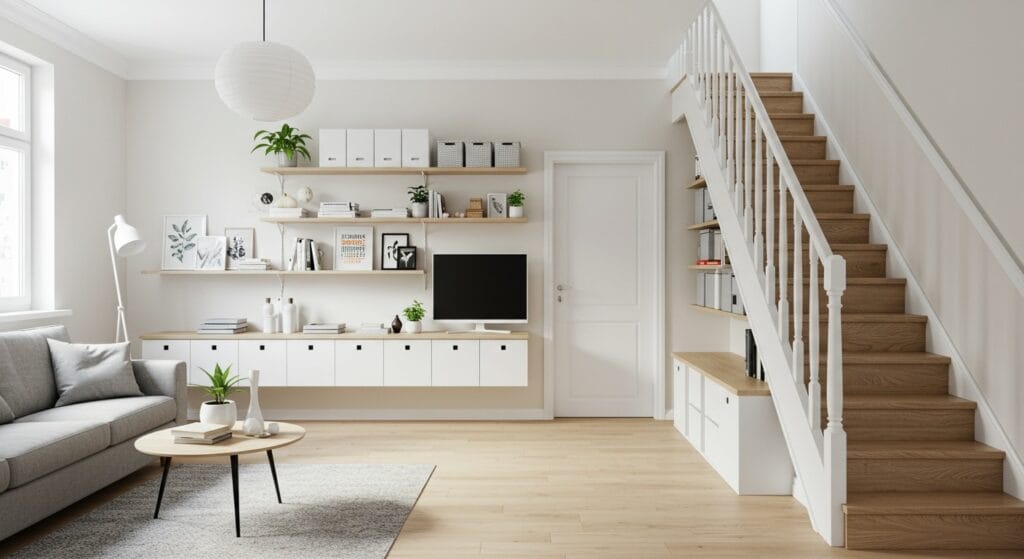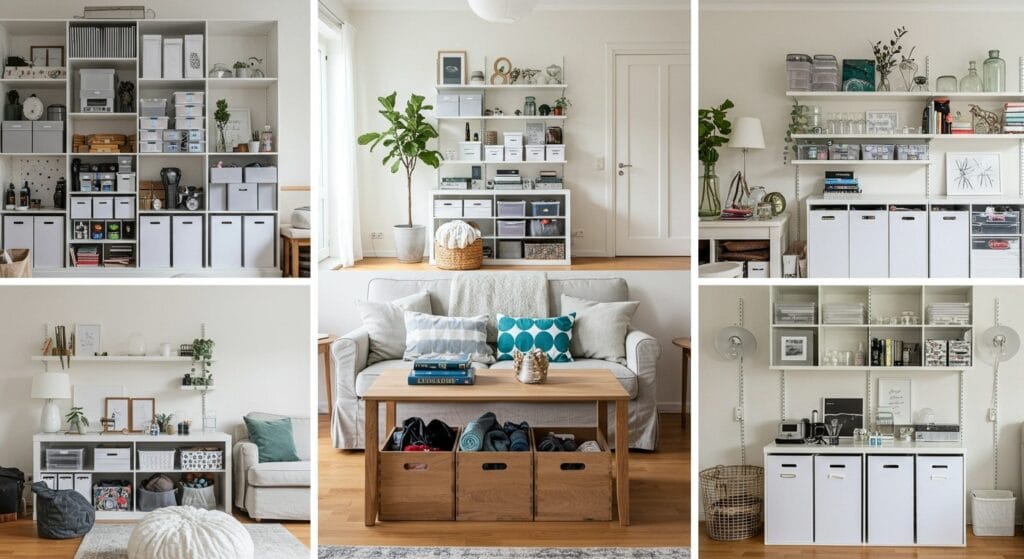
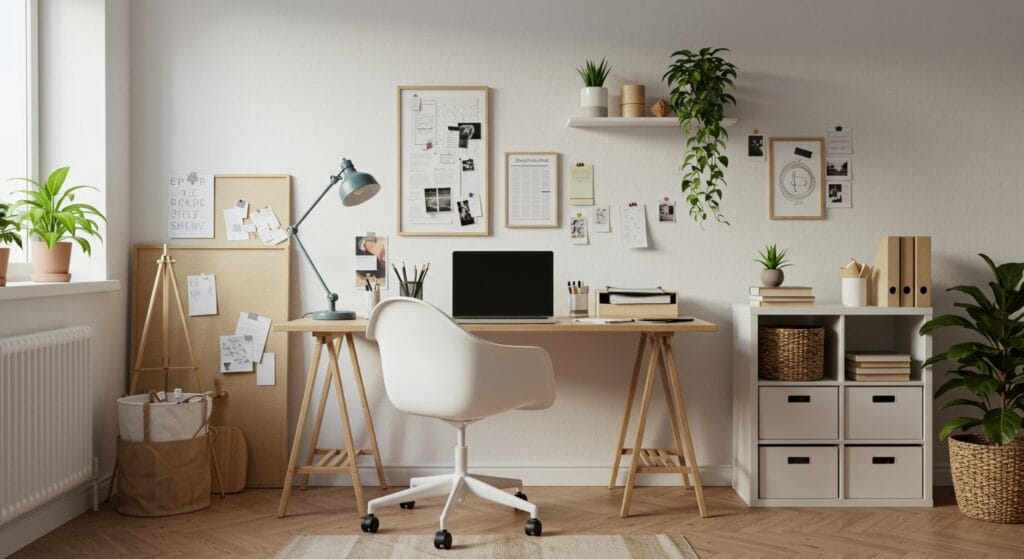
Working from home has become the new normal for millions of people, but creating a productive workspace that doesn’t feel like an afterthought takes some planning. Whether you’re carving out a corner in your living room or transforming an entire spare room, the right home office setup can make all the difference between productive workdays and constant distractions.
Your workspace should feel inspiring, not claustrophobic. It needs to support your body during long work sessions while keeping your mind sharp and focused. The challenge? Most of us are working with limited space and budget constraints, trying to create something that feels both professional and homey.
Let’s explore 22 practical home office setup ideas that balance style, comfort, and productivity – because your workspace deserves to be as thoughtfully designed as any other room in your home.
1. Position Your Desk Near Natural Light

Natural light transforms any workspace from dreary to energizing. Position your desk perpendicular to a window rather than directly facing it to minimize screen glare while maximizing the mood-boosting benefits of daylight.
If your space lacks adequate natural light, don’t despair. A well-placed mirror opposite a window can help bounce light around the room, making your office feel brighter and more spacious.
Consider the time of day you work most often when positioning your desk. Morning people benefit from east-facing windows, while night owls might prefer western exposure for those late afternoon work sessions.
2. Invest in an Ergonomic Chair That Supports Your Back
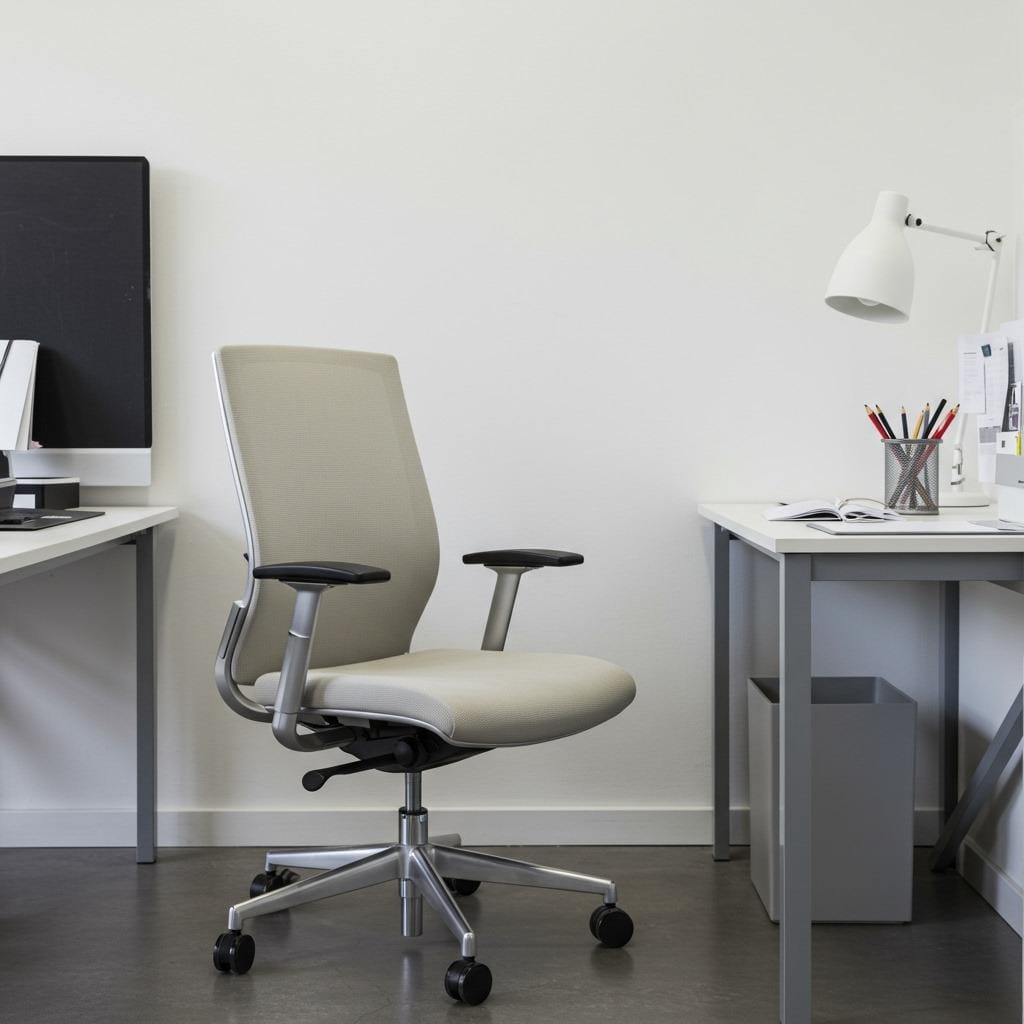
Your chair is arguably the most important piece of furniture in your home office setup. Spending eight hours a day in an uncomfortable chair isn’t just unpleasant – it can lead to serious back problems over time.
Look for chairs with adjustable height, lumbar support, and armrests that can be positioned at the right height for your desk. The investment might seem steep initially, but consider it health insurance for your spine.
Don’t forget about the chair’s aesthetic appeal either. Your office chair should complement your space’s design while providing the support your body needs throughout long work sessions.
3. Create Proper Desk Height for Comfort

The standard desk height of 29 inches works for people around 5’10”, but if you’re shorter or taller, this standard might be causing unnecessary strain on your neck and shoulders.
Your elbows should rest at a 90-degree angle when typing, with your wrists in a neutral position. If your desk is too high, a footrest can help. If it’s too low, desk risers or a standing desk converter might be the solution.
Many people overlook this basic ergonomic principle, then wonder why they feel stiff and sore after working. Getting the height right is one of the simplest ways to improve your daily comfort.
4. Install Task Lighting to Reduce Eye Strain
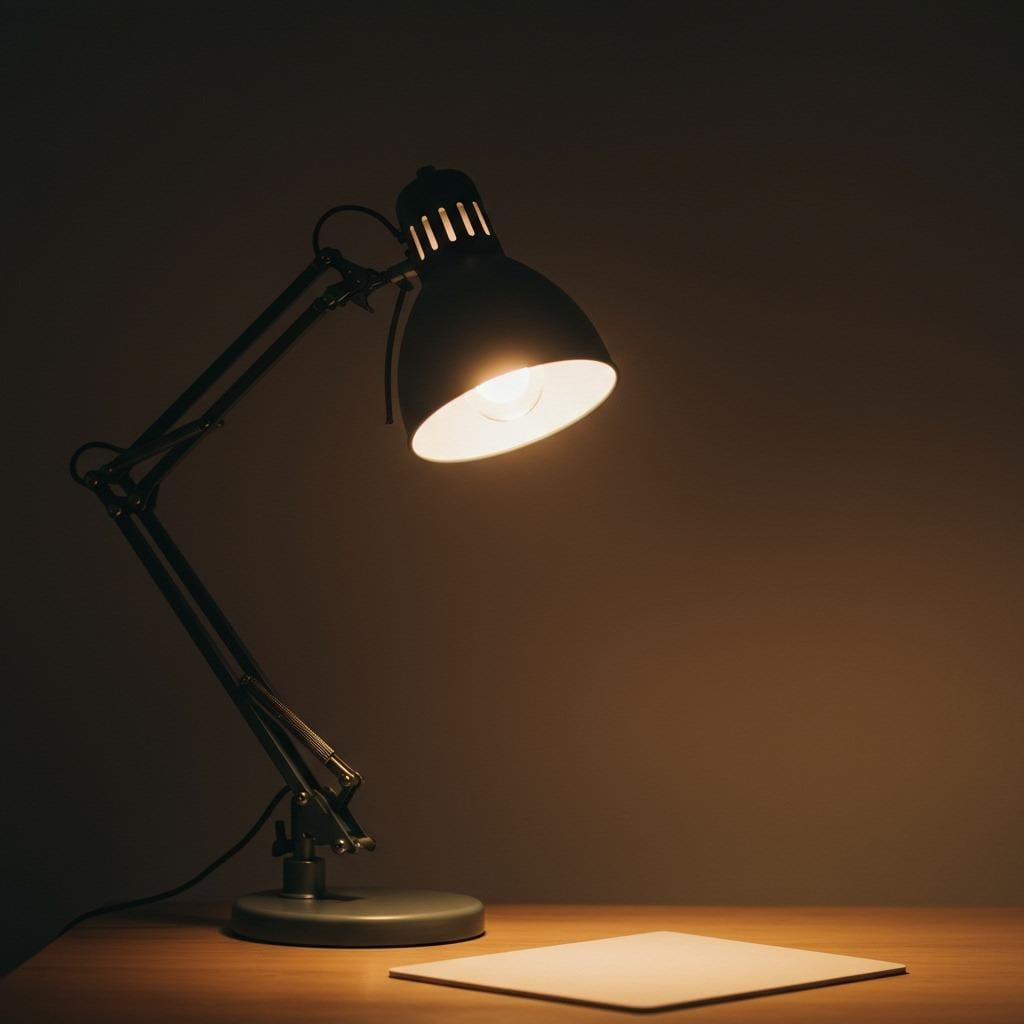
Overhead lighting often creates shadows exactly where you need to see clearly. A good desk lamp positioned to illuminate your workspace without creating glare on your computer screen makes a huge difference in reducing eye fatigue.
Look for adjustable task lighting that you can direct where needed throughout the day. LED options are energy-efficient and produce less heat, making them ideal for close desk work.
Consider lighting temperature too. Warmer light (2700K-3000K) feels cozy but might make you drowsy, while cooler light (4000K-5000K) promotes alertness during work hours.
5. Choose a Desk Size That Fits Your Work Style
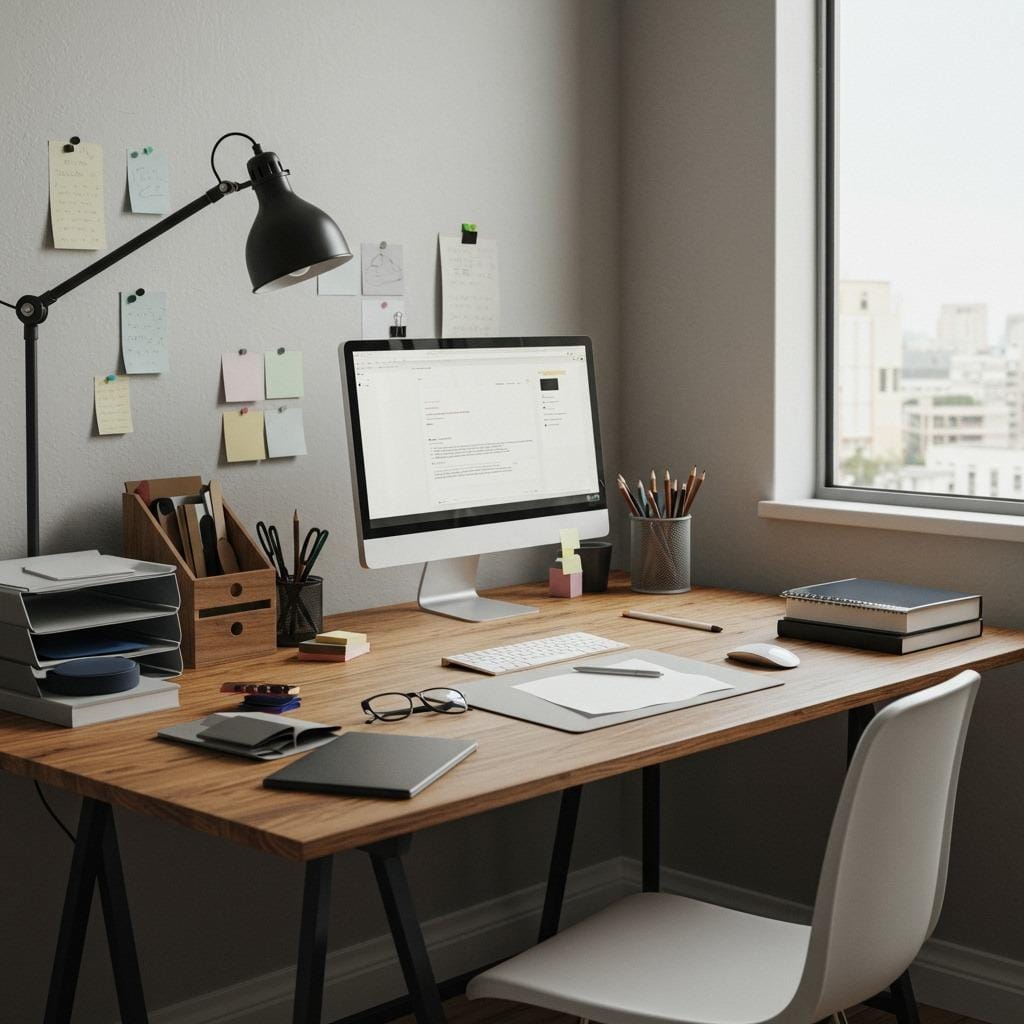
A cramped desk creates a cramped mind. If you work with multiple monitors, spread out papers, or need space for creative projects, invest in a larger surface area that accommodates your work style comfortably.
However, bigger isn’t always better if you’re working in a small space. A desk that overwhelms the room can make the entire area feel cramped and stressful.
Consider your daily tasks when selecting desk size. Do you primarily work on a laptop, or do you need space for drawing, crafting, or multiple devices? Your work habits should drive this important decision.
6. Organize Cables for a Clean Aesthetic
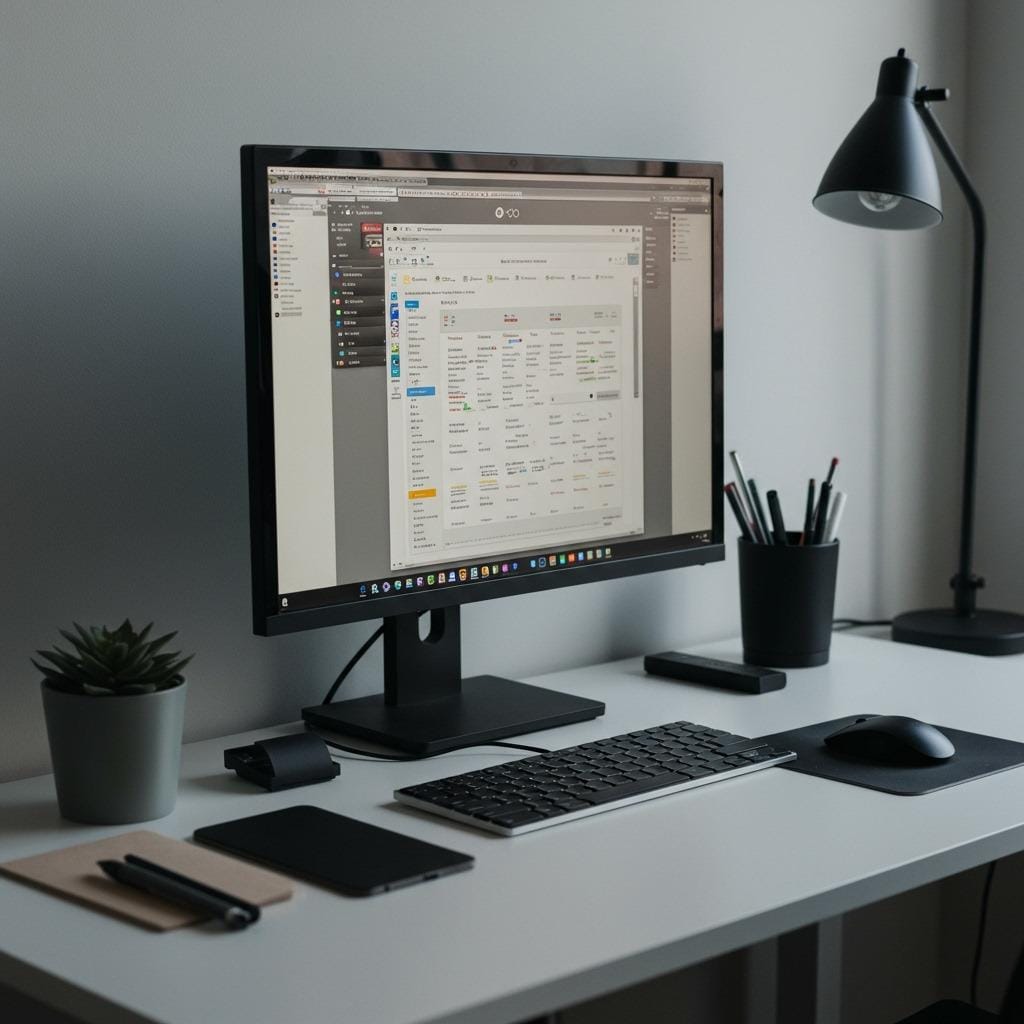
Nothing disrupts a serene workspace quite like a tangle of cables snaking across your desk and floor. Cable management isn’t just about aesthetics – it also prevents tripping hazards and makes cleaning much easier.
Use cable trays under your desk, adhesive cable clips along edges, or a cable management spine to keep everything tidy and accessible. When cables have designated paths, your entire setup looks more intentional and professional.
This simple organizational step can transform even a basic workspace into something that looks carefully curated. Plus, you’ll always know which cable belongs to which device when troubleshooting becomes necessary.
7. Add Plants for Improved Air Quality and Mood
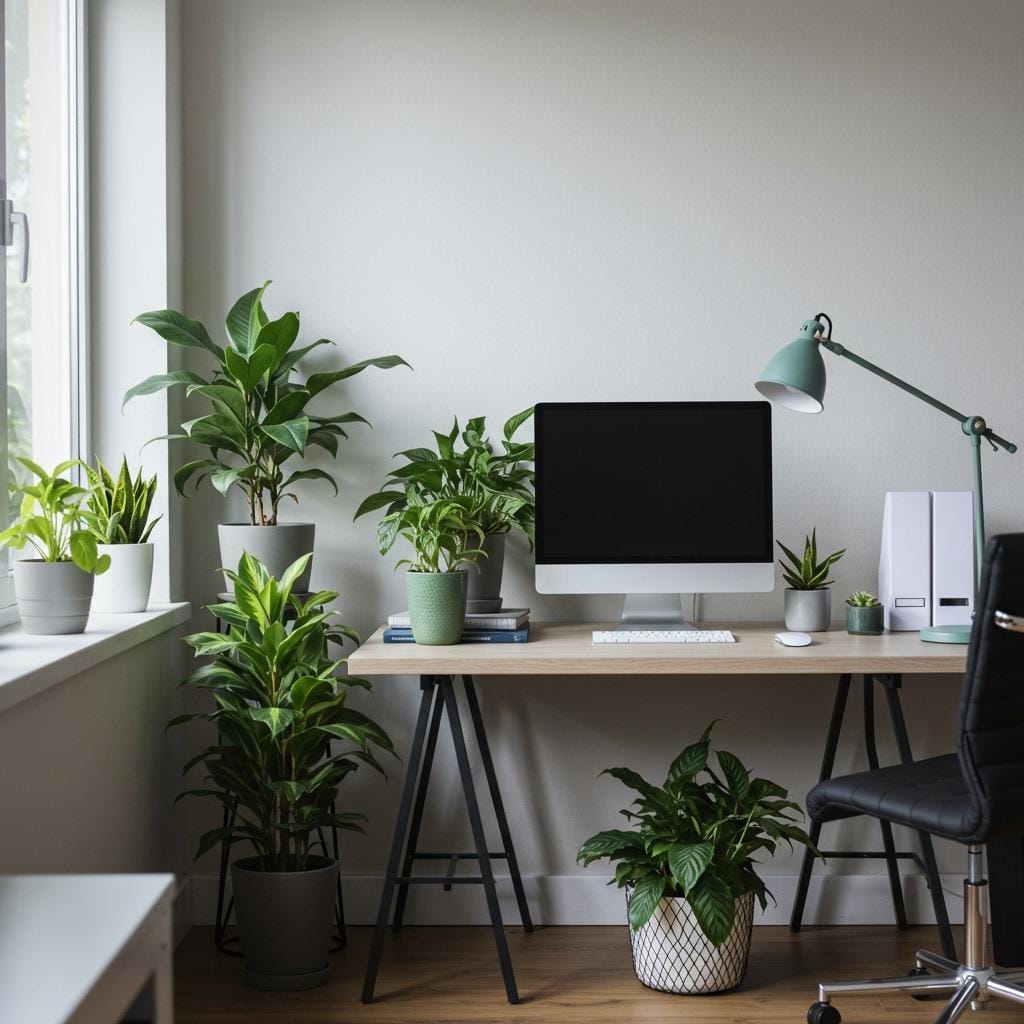
Plants do double duty in home offices – they improve air quality while adding life and color to what can otherwise feel like a sterile work environment. Even if you don’t have a green thumb, several low-maintenance options thrive in office conditions.
Snake plants, pothos, and ZZ plants tolerate varying light conditions and infrequent watering. They’re practically impossible to kill and provide that natural element that makes any space feel more welcoming.
Position plants where you’ll see them throughout the day. The brief moments of looking at something living and green can provide mental breaks that actually boost productivity rather than hindering it.
8. Create Dedicated Storage for Office Supplies
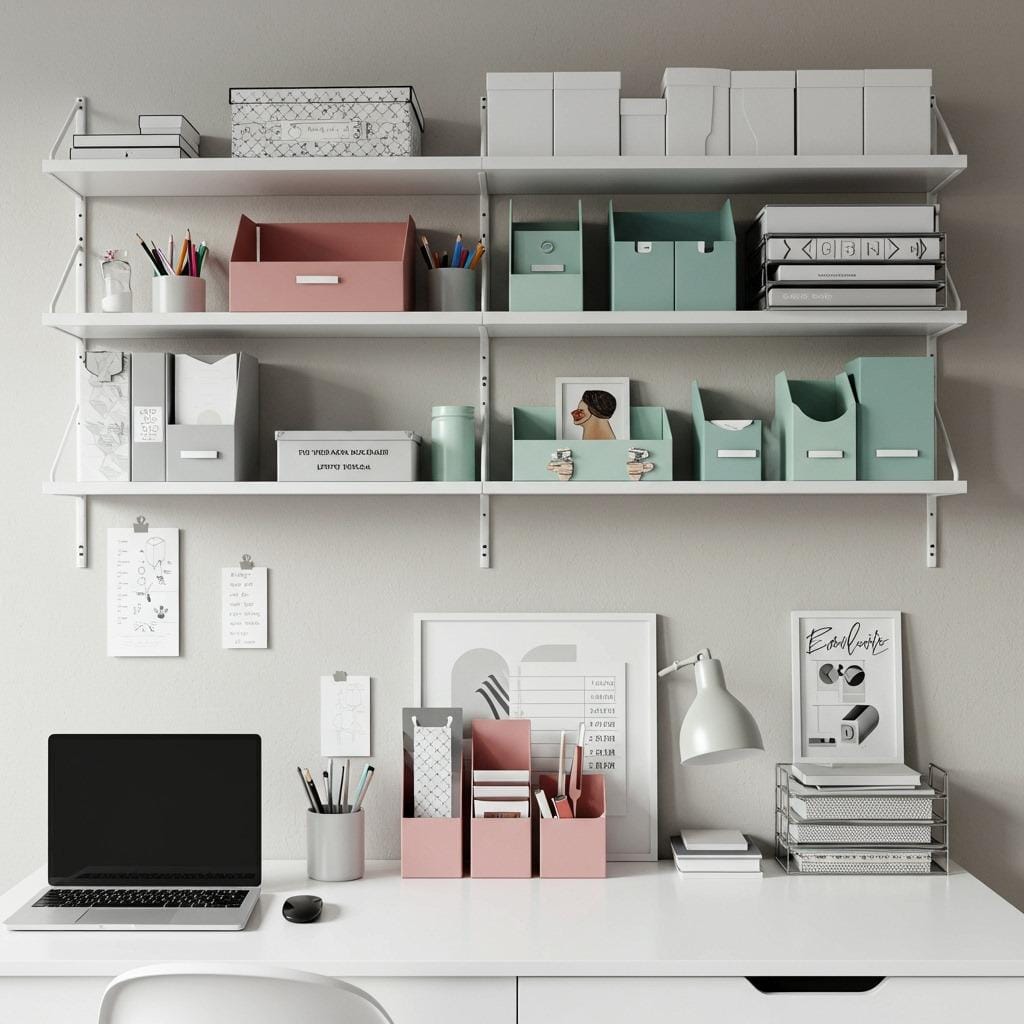
A productive workspace needs a home for everything – from pens and paper clips to important documents and reference materials. Without designated storage, supplies tend to migrate across your desk surface, creating visual clutter that’s mentally distracting.
Consider your storage needs before buying containers. Do you need deep drawers for files, shallow ones for small supplies, or open shelving for frequently accessed items? Storage solutions should match your actual usage patterns.
Vertical storage often works better in small offices than horizontal. Wall-mounted shelves, pegboards, and over-desk organizers maximize your storage capacity without eating into valuable floor space.
9. Establish Zones for Different Work Activities

Even in a small office, creating distinct zones for different activities helps your brain shift between tasks more effectively. Designate areas for computer work, creative projects, and reference materials.
This doesn’t require separate furniture for each activity. Simple visual cues like different lighting, organizational systems, or even just turning your chair to face a different direction can signal a change in work mode.
The key is consistency. When you always do certain types of work in specific areas, your brain begins to associate each zone with its particular type of focus, making transitions between tasks smoother.
10. Use Wall Space for Vertical Storage
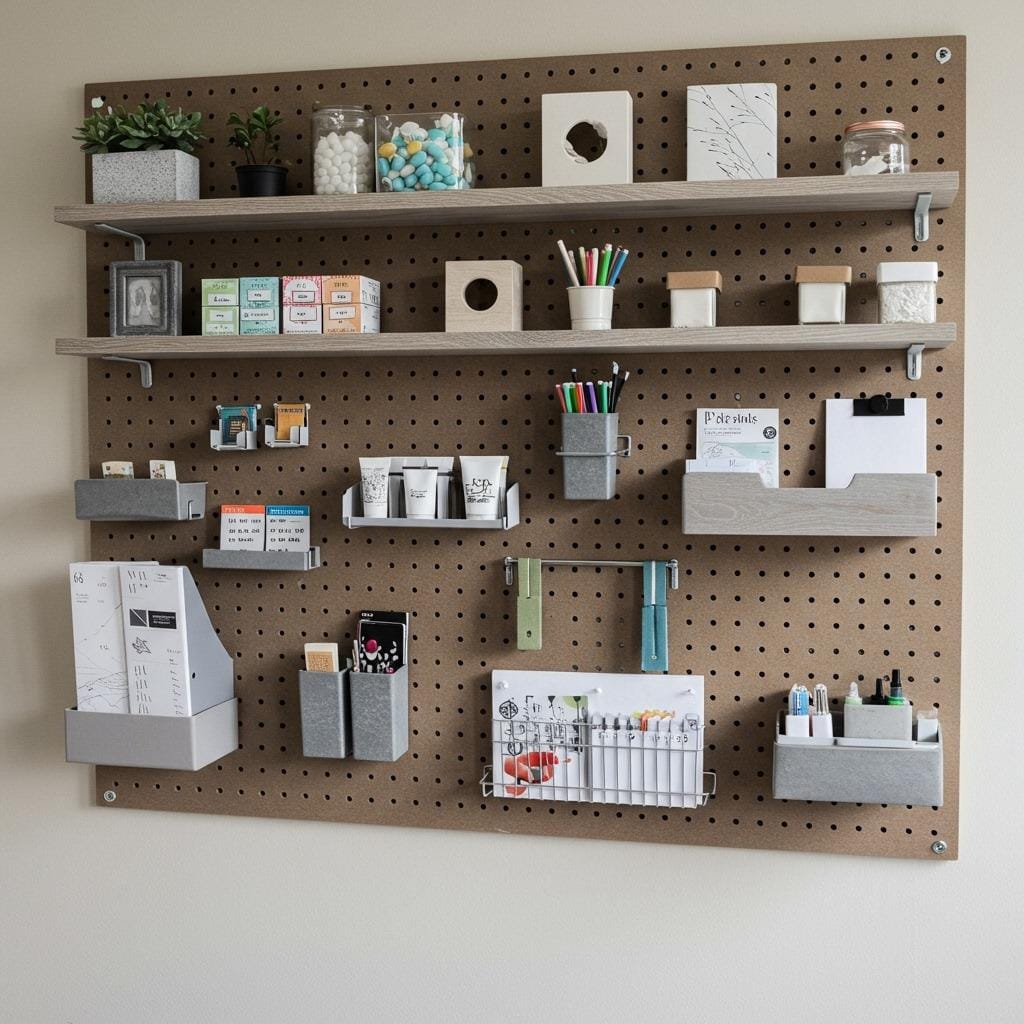
When floor space is at a premium, look up. Wall-mounted storage keeps your desk clear while putting supplies within easy reach. Floating shelves, pegboards, and wall-mounted organizers can dramatically increase your storage capacity.
Consider the wall space behind your desk as prime real estate for frequently used items. A pegboard system lets you customize storage as your needs change, while floating shelves provide clean lines that don’t overwhelm small spaces.
Don’t forget about the space above eye level. Less frequently used items can live on higher shelves, keeping everyday essentials at arm’s reach while maximizing your storage efficiency.
11. Choose a Color Scheme That Energizes You
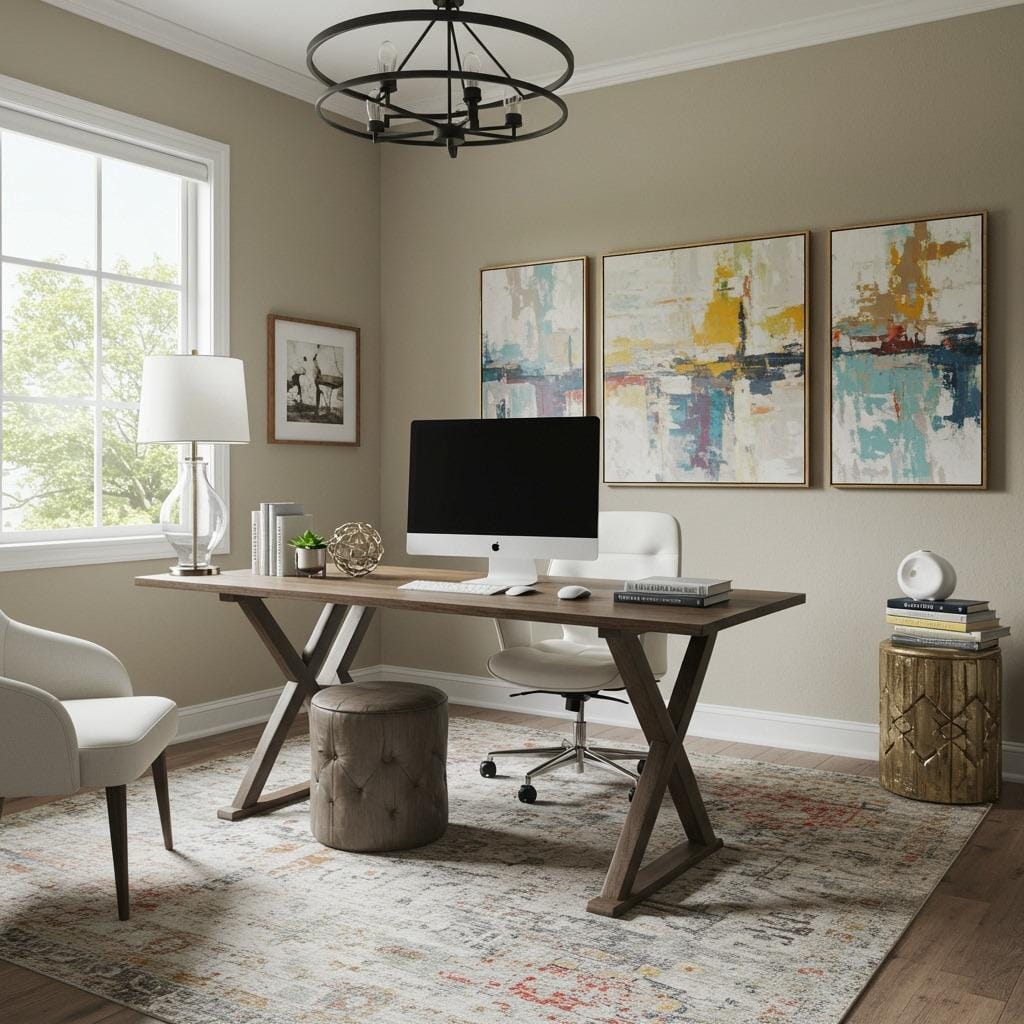
Your office color palette affects your mood and energy levels throughout the workday. While neutral colors feel safe and professional, don’t be afraid to incorporate colors that genuinely inspire and energize you.
Cooler colors like blues and greens tend to promote focus and calm, while warmer colors like oranges and yellows can boost creativity and energy. The key is finding the right balance for your work style and personal preferences.
Remember that color doesn’t have to come from paint. Artwork, accessories, plants, and even colorful storage containers can introduce energizing hues without overwhelming the space with bold wall colors.
12. Incorporate Personal Touches That Inspire
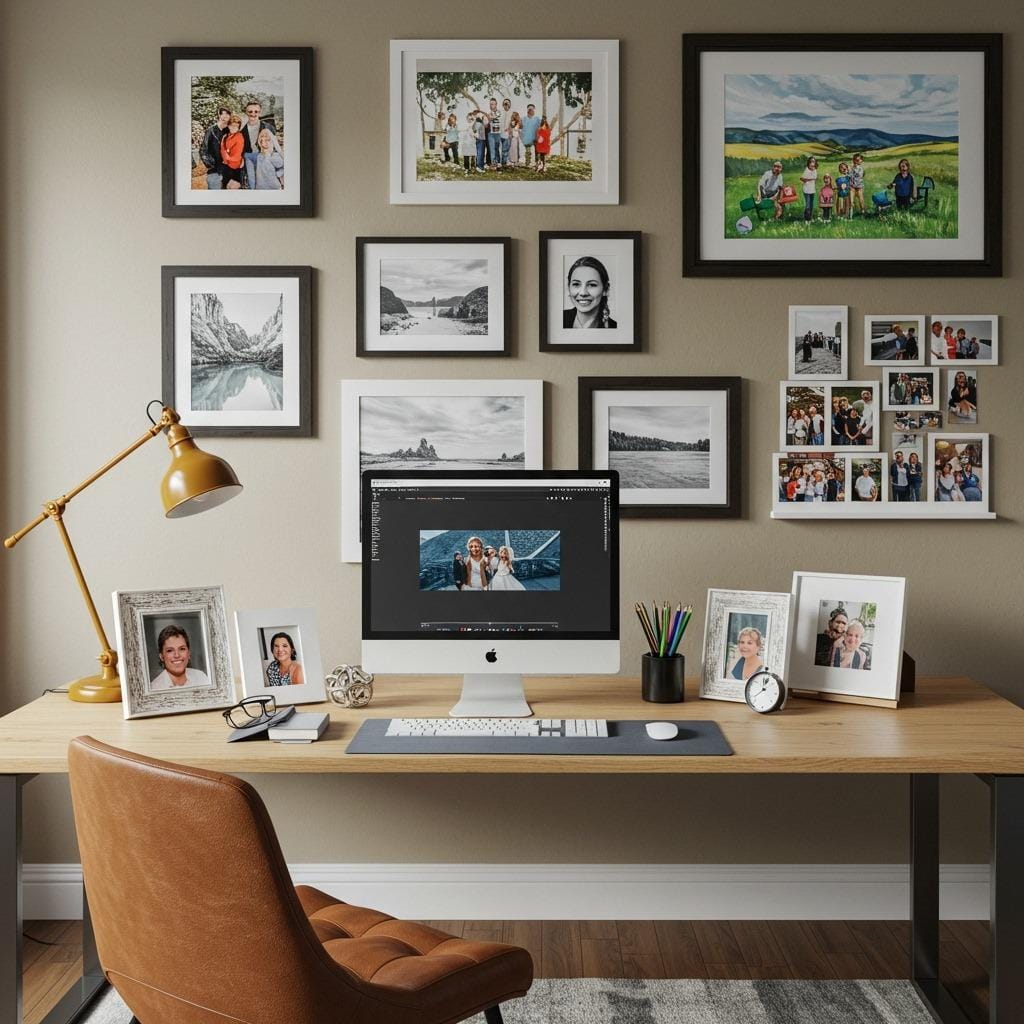
A sterile, impersonal office can drain motivation over time. Include meaningful objects, artwork, or photos that remind you why you’re working and what you’re working toward.
However, there’s a fine line between inspiring and distracting. Choose personal items that energize you without pulling your attention away from tasks. A few carefully selected pieces often have more impact than a cluttered collection.
Consider rotating personal items seasonally or monthly. This keeps your space feeling fresh and prevents you from becoming so accustomed to your surroundings that they fade into the background.
13. Set Up Proper Ventilation for Comfort
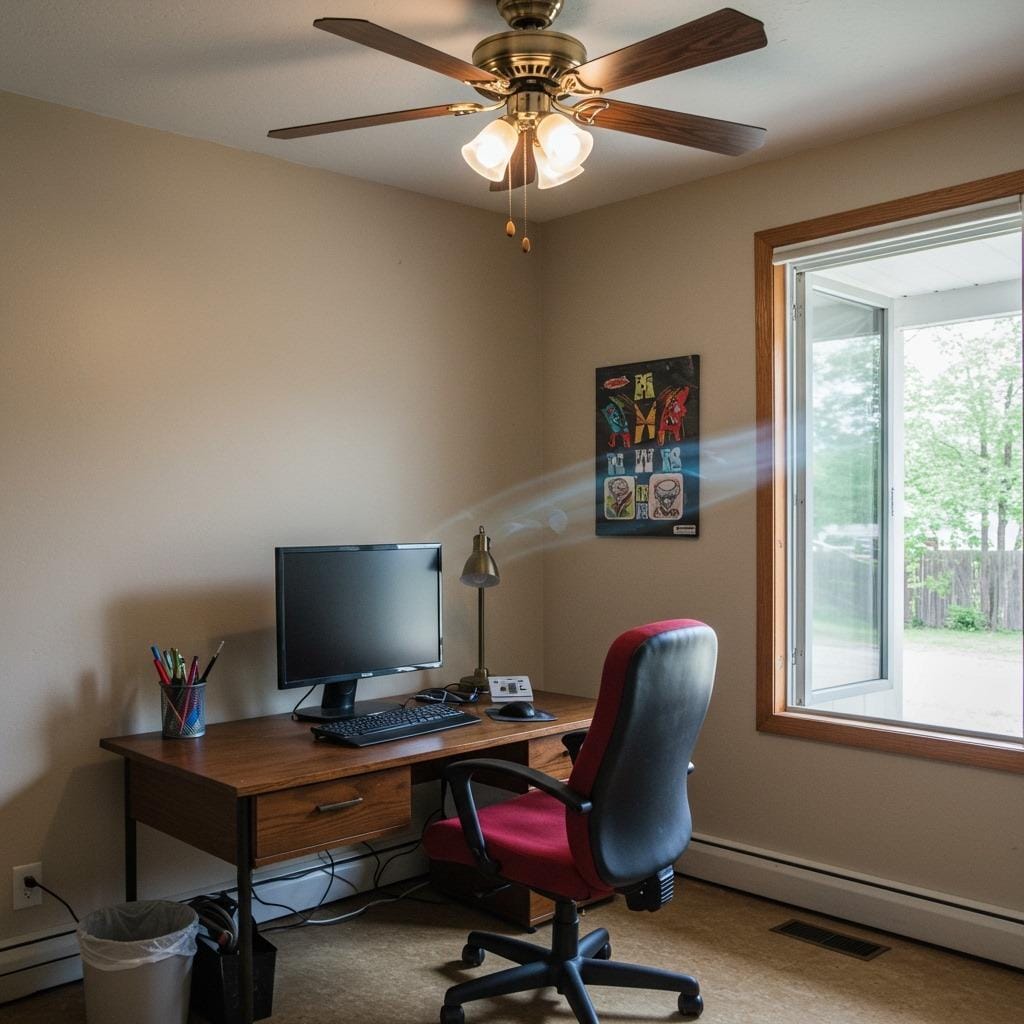
Stuffy air makes concentration difficult and can leave you feeling sluggish throughout the day. Good ventilation keeps your mind sharp and your body comfortable during long work sessions.
If your office doesn’t have natural airflow, a small fan can make a significant difference. Position it to create gentle air movement without creating drafts that make papers fly around your workspace.
Consider the temperature variations throughout the day too. A space that’s comfortable in the morning might become too warm by afternoon, especially if you have electronics generating heat or if your office gets direct sunlight.
14. Design an Inspiring Gallery Wall
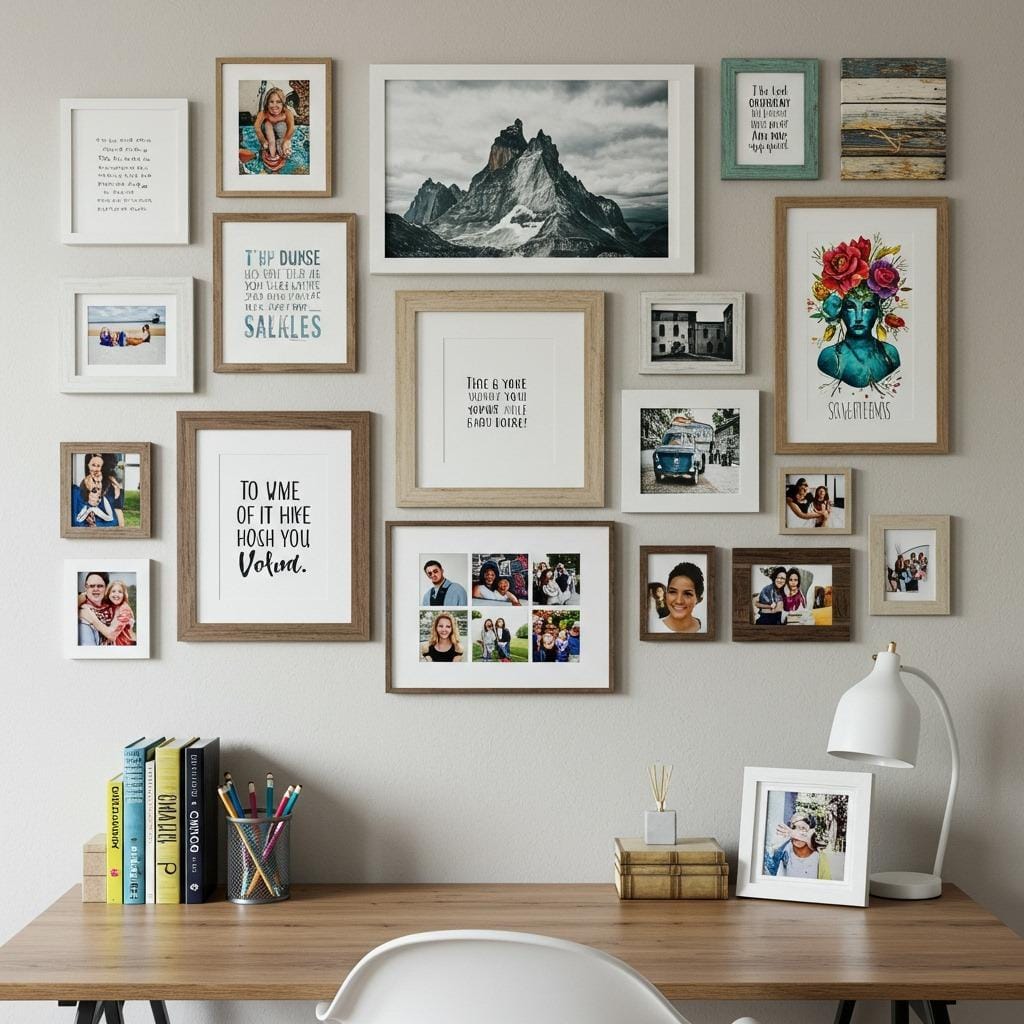
A thoughtfully curated gallery wall can transform a blank office wall into a source of daily inspiration. Mix motivational quotes, artwork, and images that align with your goals and values.
The key to a successful gallery wall is cohesion. Whether you achieve this through similar frame styles, a unified color palette, or a consistent theme, the collection should feel intentional rather than random.
Don’t feel pressured to fill the wall all at once. Start with a few key pieces and add to the collection over time. This organic approach often results in more meaningful galleries than trying to complete everything in one shopping trip.
15. Create a Comfortable Reading Nook
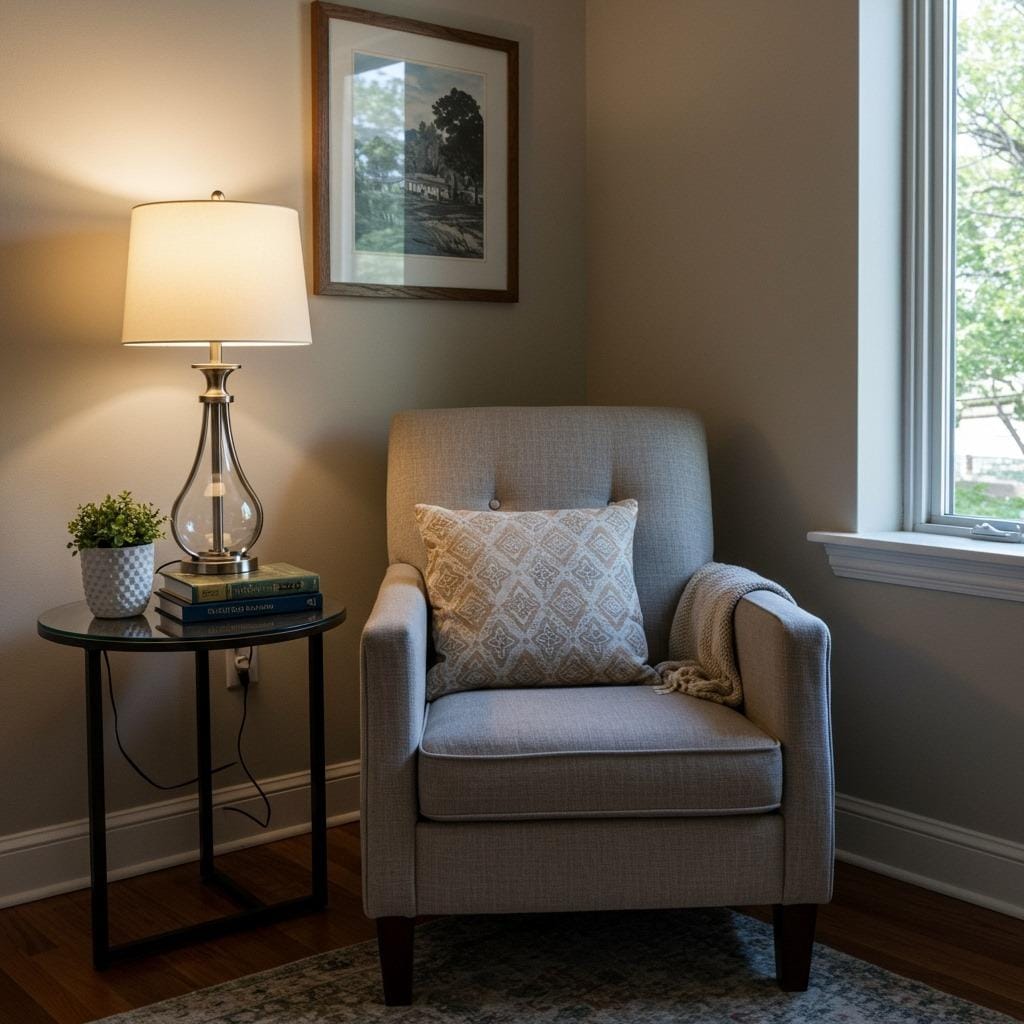
If your work involves research, planning, or creative thinking, having a comfortable spot away from your computer screen can boost productivity. A small reading chair or even floor cushions can provide this alternative workspace.
This doesn’t require a large space. Even a corner with a comfortable chair and good lighting can serve as your thinking spot when you need to step away from the desk but stay in work mode.
The change of position and perspective often helps when you’re stuck on a problem or need to review documents without the distractions that come with being at your main workspace.
16. Install Floating Shelves for Display and Storage
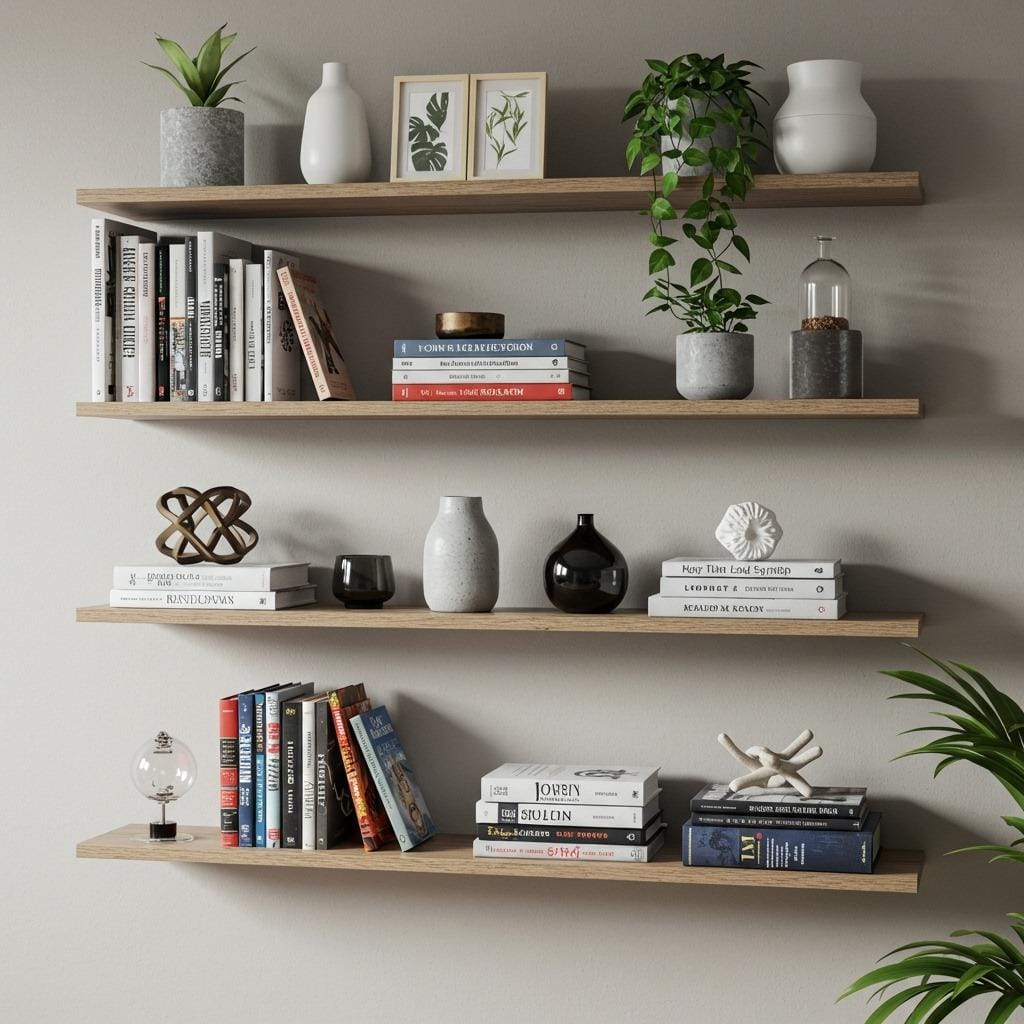
Floating shelves provide storage and display space without the visual weight of traditional bookcases. They’re particularly effective in small offices where every square foot counts.
Use the rule of thirds when styling floating shelves – combine functional items, decorative objects, and negative space for the most pleasing visual balance. Too much stuff makes shelves look cluttered, while too little makes them feel sparse.
Consider varying the heights and lengths of multiple floating shelves to create visual interest. This approach works especially well when you need different sized storage for various items.
17. Add a Small Rug to Define the Space
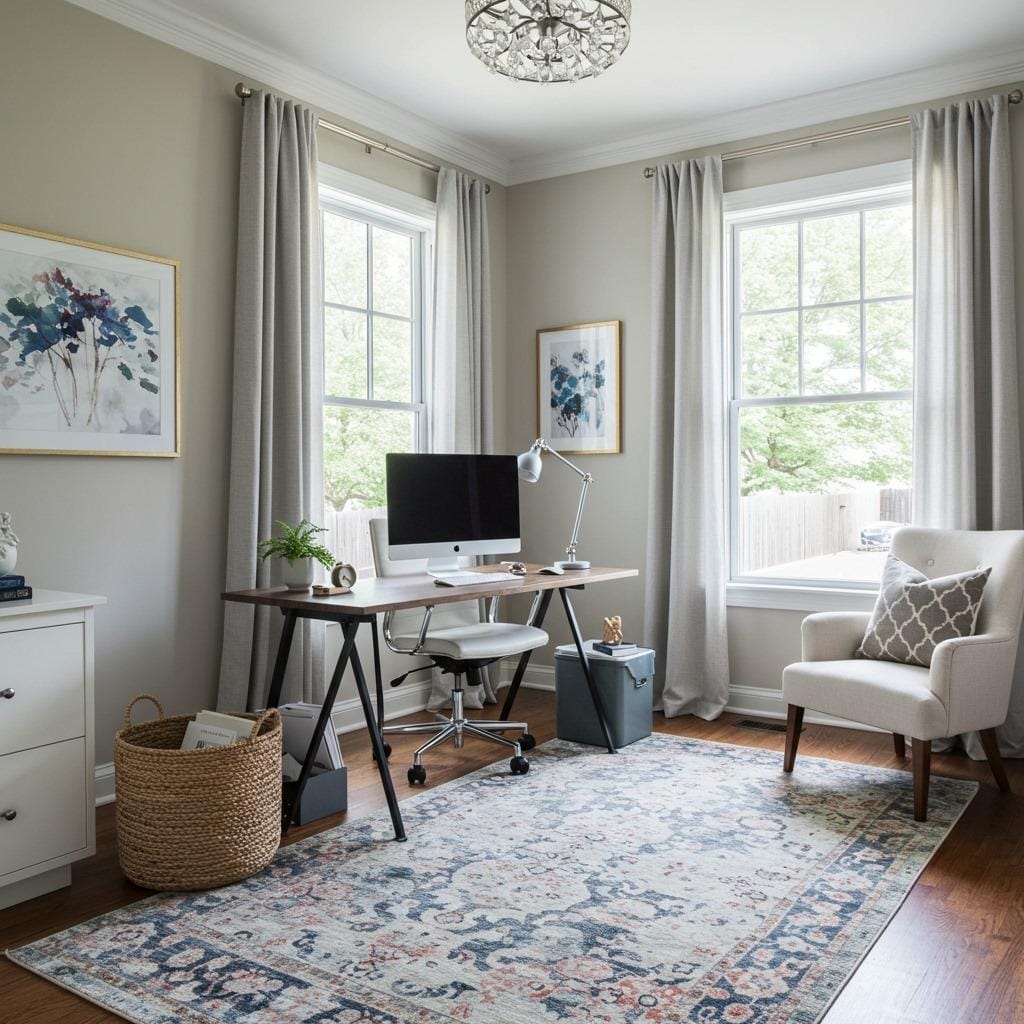
A well-chosen rug can anchor your office area, especially in open floor plans where your workspace shares space with other activities. It also adds warmth and texture that makes the space feel more comfortable.
Size matters with office rugs. Too small looks awkward, while too large can overwhelm the space. Aim to have at least the front legs of your chair on the rug, with enough space to roll back without catching the edge.
Choose materials that can handle the wear from rolling office chairs. Low-pile rugs or those specifically designed for high-traffic areas will maintain their appearance longer than delicate options.
18. Use Mirrors to Expand Small Spaces
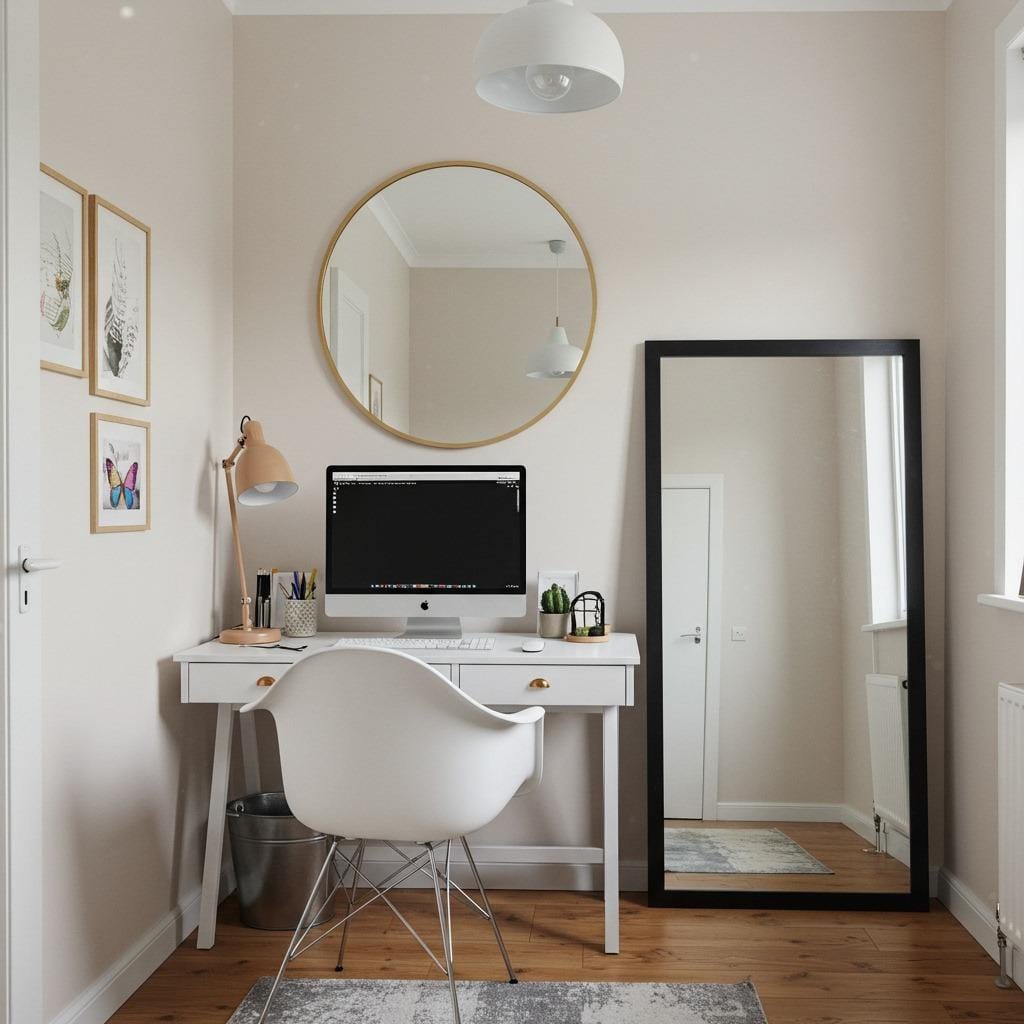
Mirrors create the illusion of more space and reflect light around the room, making small offices feel larger and brighter. A strategically placed mirror can double the perceived size of a cramped workspace.
Position mirrors to reflect something pleasant – a window view, your gallery wall, or organized shelving. Avoid placing mirrors where they’ll reflect clutter or create distracting movements while you’re trying to work.
Consider the mirror’s style as part of your overall design scheme. A mirror should enhance your office aesthetic while serving its space-expanding function.
19. Invest in a Quality Monitor Setup
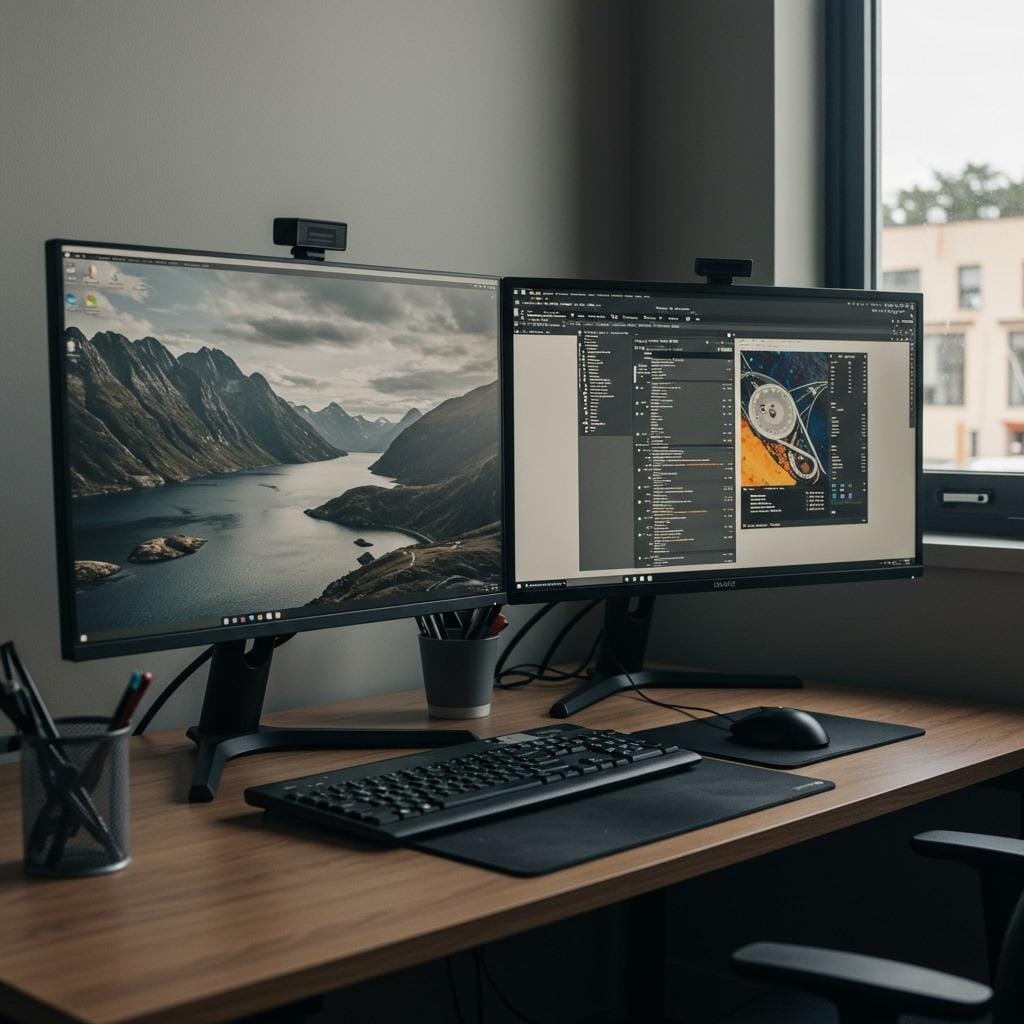
Your computer screen setup significantly impacts both comfort and productivity. Multiple monitors can boost efficiency, while a larger single monitor reduces the need to constantly scroll and zoom.
Position monitors at arm’s length with the top of the screen at or slightly below eye level. This reduces neck strain and keeps you from hunching forward throughout the day.
Consider the lighting around your monitors too. Screens positioned directly in front of or behind windows often create glare issues that cause eye strain and make it difficult to see clearly.
20. Create Flexible Lighting Options

Different tasks require different lighting conditions. Layered lighting gives you control over your environment throughout the day, from bright task lighting for detailed work to softer ambient lighting for video calls.
Include at least three types of lighting: ambient (general room lighting), task (focused work lighting), and accent (decorative or mood lighting). This combination lets you adjust the atmosphere based on your current needs.
Dimmer switches and adjustable fixtures provide even more control. Being able to fine-tune your lighting throughout the day can reduce eye strain and help maintain energy levels during long work sessions.
21. Design a System for Paper Organization
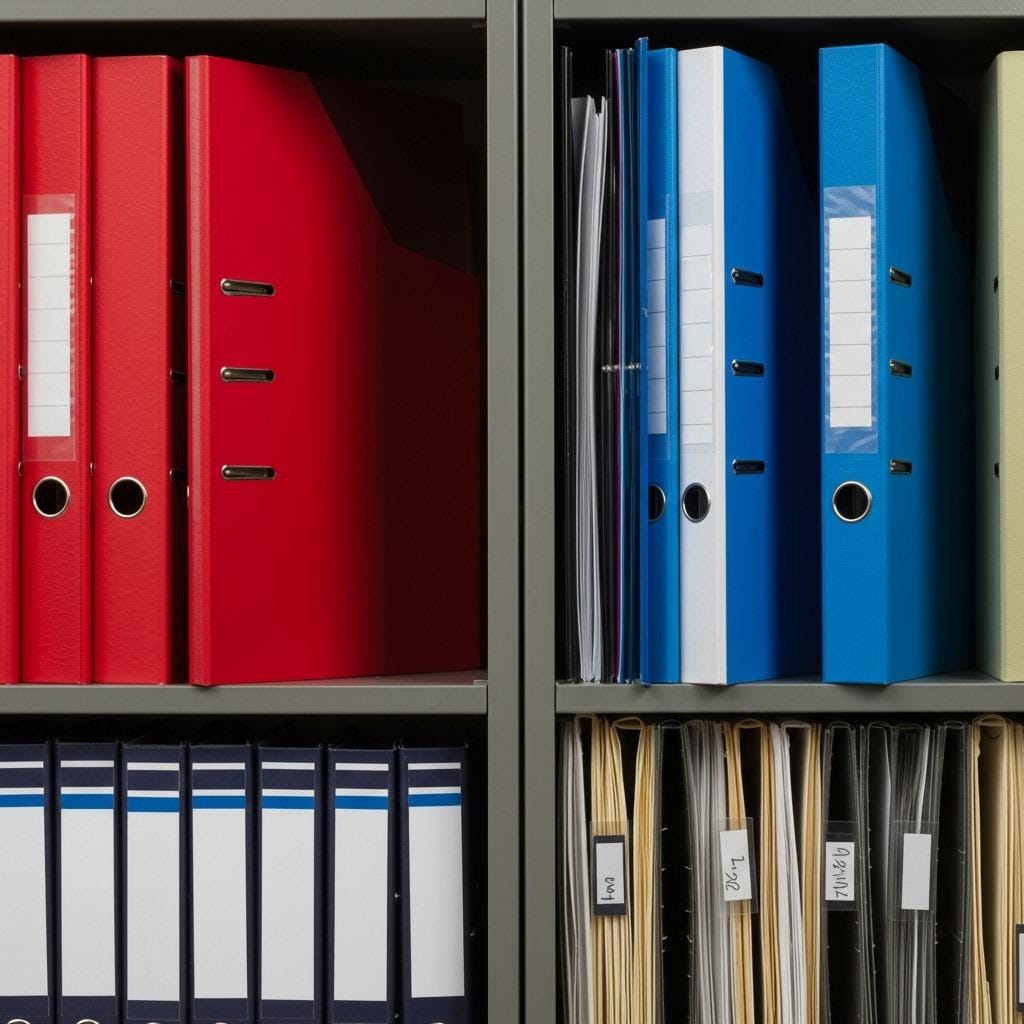
Despite living in a digital age, most home offices still need systems for handling physical documents. A clear organizational system prevents important papers from creating desk clutter or getting lost entirely.
Consider your paper workflow when designing storage. Do you need space for incoming documents, work-in-progress files, and archived materials? Each category needs its own designated space with clear labels.
Vertical file systems often work better than horizontal stacks. When documents are filed upright, you can see everything at a glance and access specific items without disturbing the entire pile.
22. Include Technology for Better Connectivity

Modern remote work requires reliable technology infrastructure. Ensure your office has adequate outlets for all your devices, strong WiFi signal, and proper cable management for a professional appearance.
Consider investing in a good webcam and microphone if video calls are part of your routine. The built-in options on most laptops provide basic functionality, but dedicated equipment significantly improves your professional presence.
A wireless charging pad keeps your devices powered without adding cable clutter to your desk. Small tech upgrades like this can streamline your daily workflow and reduce desktop chaos.
Creating Your Perfect Home Office Setup
Designing an effective home office setup isn’t about copying someone else’s style or buying the most expensive furniture. It’s about understanding how you work best and creating an environment that supports your productivity while reflecting your personal style.
Start with the basics – proper ergonomics, adequate lighting, and organized storage. These foundational elements will have the biggest impact on your daily comfort and efficiency. Then layer in the personal touches and design elements that make the space uniquely yours.
Remember that your office setup will evolve over time as your work needs change. What matters most is creating a space where you genuinely enjoy spending time – because when you love your workspace, productivity tends to follow naturally. The key lies in balancing function with beauty, ensuring your office works as hard as you do while inspiring you through every workday.
Your home office should be a reflection of both your professional needs and personal style. By implementing these ergonomic workspace tips and modern office design principles, you’ll create a space that truly supports both your comfort and productivity goals.

Sanjai creates easy, affordable home decor ideas that anyone can try. Through simple tips and curated finds, he helps you style rooms you’ll love coming home to.